
Download Live Backgrounds Lockscreen APK – live wallpapers, animated wallpapers, lockscreen, home screen, dynamic backgrounds, video wallpapers, personalization app, Android app, free wallpaper, background changer
Overview
Live Backgrounds & Lockscreen is a free personalization app designed for Android users seeking to enhance their device’s visual experience with dynamic, animated wallpapers. Developed by Top Live Wallpapers, the app offers a wide selection of high-quality live backgrounds that can be applied to both the home and lock screens. Its primary purpose is to transform static device interfaces into vibrant, moving displays, allowing users to express individuality through immersive visuals.
The app caters to a broad audience, including casual users, mobile enthusiasts, and those who value aesthetic customization. Real-world usage scenarios include personalizing devices for daily use, creating unique themes for special events, or simply enjoying animated content while interacting with the device. The app supports user-uploaded videos as live wallpapers, expanding creative possibilities.
While the developer did not provide additional system requirements, the app is optimized for Android devices and aims to deliver a seamless personalization experience without compromising core functionality.
Key Features & Capabilities
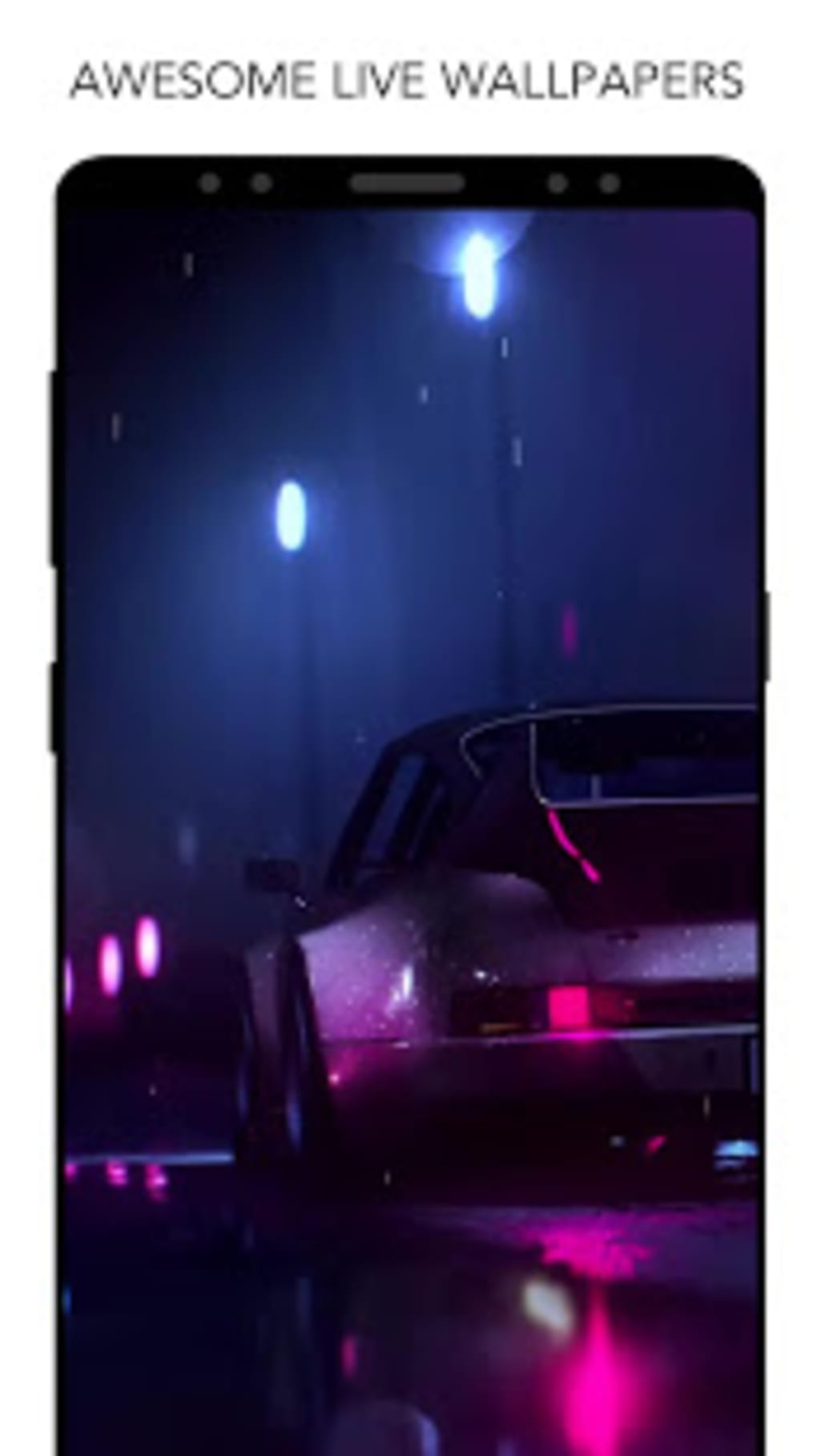
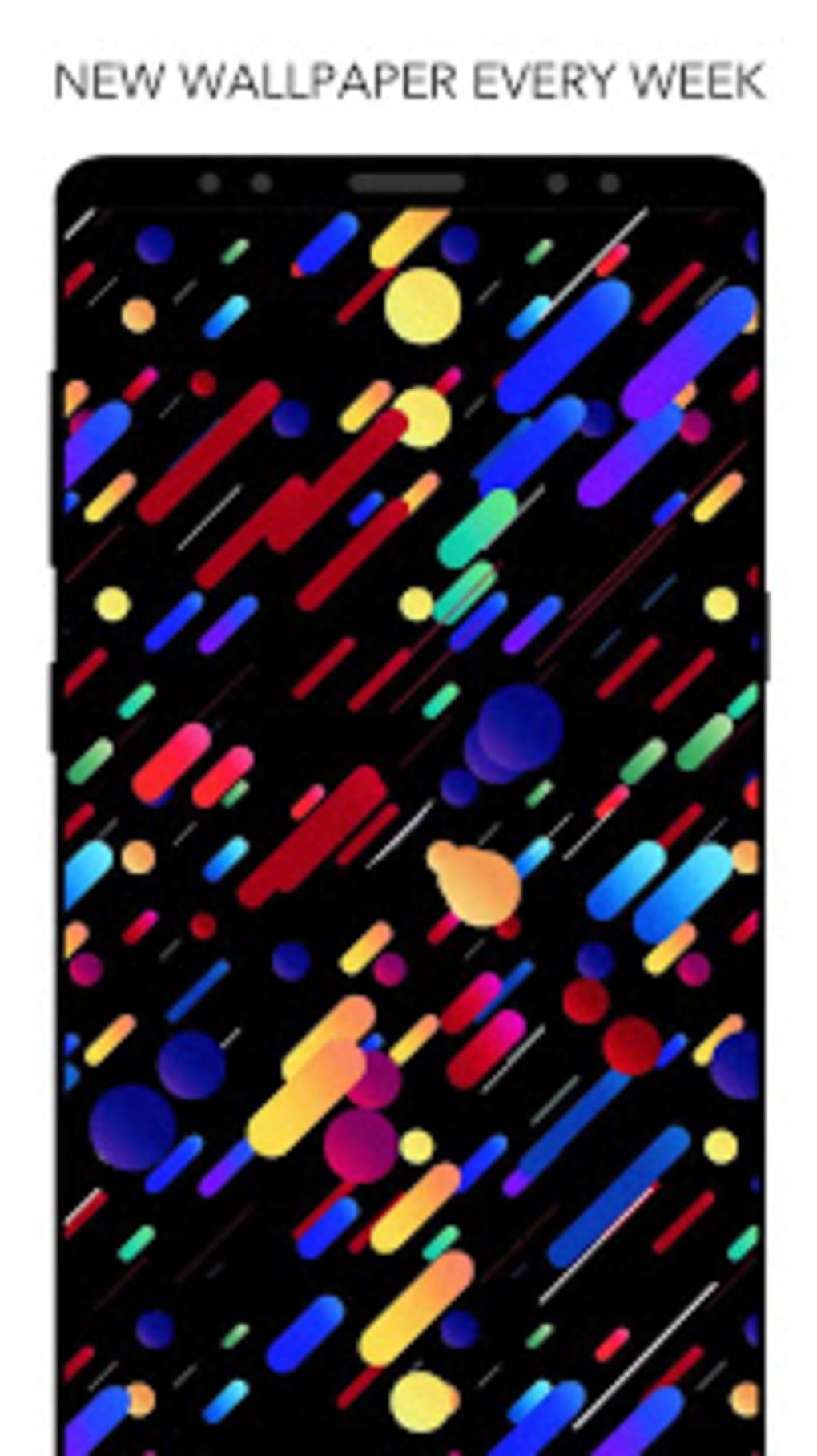
- Dynamic Animated Wallpapers – Offers a vast library of high-resolution animated backgrounds that bring movement and life to the home and lock screens, enhancing visual engagement.
- Custom Video Wallpapers – Allows users to select and set personal videos as live wallpapers, enabling full creative control over device aesthetics.
- Extensive Theme Categories – Provides a diverse range of themes and categories, ensuring users can find visuals that match their mood, interests, or device usage patterns.
- Multi-Screen Application – Supports simultaneous application of live wallpapers to both the home and lock screens, delivering a cohesive and immersive experience.
- Compact Installation Size – The app is designed with a lightweight footprint of 12.3 MB, minimizing storage impact while maintaining performance.
These features enable users to create a personalized digital environment tailored to their preferences. For instance, a user might apply a nature-themed animated wallpaper for a calming morning experience or use a favorite video clip as a personal lockscreen. The ability to use custom videos makes the app ideal for sharing memories or promoting content. The compact file size ensures quick installation and minimal strain on device storage. Although the developer did not specify performance details, the app’s design suggests efficient resource handling to maintain smooth operation across various Android devices.
User Interface, Workflow & Performance
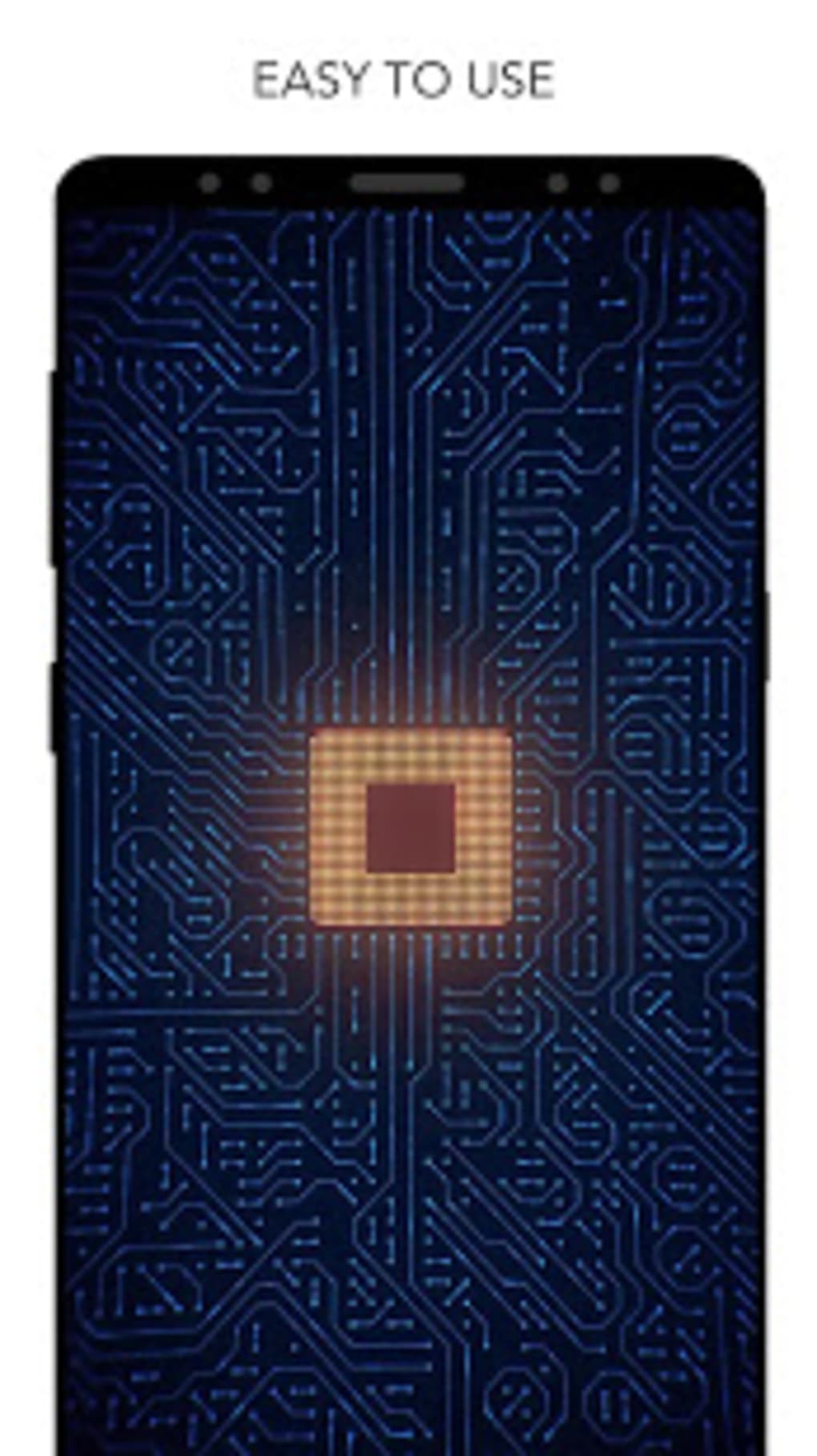
The user interface of Live Backgrounds & Lockscreen is structured to prioritize accessibility and ease of navigation. Users can browse through categories, preview animations, and apply wallpapers with minimal steps. The workflow is streamlined, allowing for quick selection and application of live backgrounds without requiring technical knowledge.
The app’s layout appears intuitive, with clearly labeled sections and visual previews of available wallpapers. Navigation is designed to be responsive, enabling smooth transitions between themes and settings. While exact performance data was not specified, the app’s lightweight size suggests efficient operation.
The developer did not provide information on CPU or RAM usage, so general software behavior patterns apply. Stability is expected to be consistent for typical usage, though prolonged use of animated wallpapers may affect device responsiveness. Battery consumption is a noted consideration, as dynamic backgrounds typically require more power than static images.
Users are advised to monitor battery usage when using live wallpapers extensively.
Compatibility & System Requirements
Live Backgrounds & Lockscreen is designed for Android devices and is compatible with the operating system as specified. The app’s version is 1.1.2, and the installation size is 12.3 MB, indicating a lightweight deployment. The developer did not provide additional system requirements, so specific hardware or OS version details are unavailable.
Compatibility information is limited to the general Android platform, suggesting broad accessibility across various devices. Users should ensure their device supports live wallpapers and animation rendering to fully utilize the app’s capabilities. While no exact performance benchmarks were provided, the app’s design implies support for standard Android configurations.
For users with older or low-end devices, performance may vary depending on the complexity of the selected animation. The developer did not specify whether the app supports tablet or foldable devices, so usage on non-smartphone Android devices remains uncertain.
Pros and Cons
Pros
- Free to download and use, offering excellent value for personalization.
- Wide selection of high-quality animated wallpapers across diverse themes.
- Supports custom video wallpapers for personalized content.
- Compact file size of 12.3 MB minimizes storage impact.
- Allows application of live backgrounds to both home and lock screens.
Cons
- Potential increase in battery consumption due to animated backgrounds.
- Exact system requirements were not listed, limiting user planning.
- Performance behavior on low-end devices is not specified.
- May cause slight lag or reduced responsiveness on older Android devices.
- Developer did not provide information on update frequency or long-term support.
FAQ Section
Is Live Backgrounds & Lockscreen compatible with all Android devices?
The app is designed for Android, but exact compatibility details were not provided by the developer. Users should ensure their device supports live wallpapers and animation rendering for optimal functionality.
Is the app safe to download and use?
As a free Android app from Top Live Wallpapers, it is available through official channels. However, users should always verify the source and review permissions before installation to ensure device security.
Can I use my own videos as live wallpapers?
Yes, the app allows users to set personal videos as live wallpapers, offering a high degree of customization and creative freedom.
Does the app require an internet connection?
The app functions offline after installation. However, downloading new wallpapers or updating the library may require an internet connection.
Is there a premium version or in-app purchases?
The app is listed as free, but the developer did not specify whether in-app purchases or premium features are available. Users should review the app’s permissions and store listing for updates.
Final Thoughts + CTA
Live Backgrounds & Lockscreen delivers a compelling solution for Android users who prioritize visual personalization. With its extensive library of animated wallpapers, support for custom video backgrounds, and lightweight design, it stands out as a practical tool for enhancing device aesthetics. While battery consumption is a consideration for heavy users, the app’s free model and ease of use make it accessible to a wide audience.
The lack of detailed system requirements and performance data limits advanced planning, but the core functionality remains robust and intuitive. This app is ideal for individuals who enjoy dynamic visuals and want to transform their Android experience with minimal effort. For those seeking a free, feature-rich personalization tool, Live Backgrounds & Lockscreen offers a strong entry point.
Download Live Backgrounds & Lockscreen now.





.png)

